

Pick an app when you need mobile RSVPs, automated waitlists, or payment tracking. Stick with a spreadsheet only for a small, one-off game with no money changing hands. Once games repeat weekly, Roster Sports is the practical answer: it replaces the spreadsheet and the group chat with one link that fills your roster and manages the waitlist for you.
TL;DR:
- The recurring costs of manual admin work become significant once a group exceeds eight players or plays weekly, making an app more efficient.
- Automated features like real-time roster locking, waitlist promotion, and payment tracking in Roster Sports drastically reduce organizer workload.
- Transitioning from a spreadsheet to the app should be staged, starting with importing data and running a few games before fully switching.
- A simple, clear invite message with specific details helps get faster responses and reduces chaos in scheduling.
- The main benefit of switching to an app is saving time spent on RSVPs, payment tracking, and managing cancellations, enabling organizers to focus on playing.
Table of Contents
- Roster Spreadsheet Vs App: The Side-By-Side Difference
- When A Roster Spreadsheet Still Makes Sense
- When To Switch: A Decision Checklist For Organizers
- How Roster Sports Handles The Problems A Spreadsheet Can't
- Migrating From A Spreadsheet To Roster: The Short Version
- Daniel's Note: The One Habit That Cuts Admin Time In Half
- Ready To Stop Managing And Start Playing?
- Sources
Roster Spreadsheet Vs App: The Side-By-Side Difference
A spreadsheet asks players to reply in a chat, and you copy their names into cells by hand. An app skips that step entirely: one link, one tap, done. That gap widens fast once a game becomes a weekly habit.
Here's what actually changes when you move from a shared sheet to a dedicated tool:
- Setup and signups: a spreadsheet needs someone to manually log every "I'm in" text; a roster app fills slots in real time from a single shared link.
- Waitlists: spreadsheets require you to notice a cancellation and text the next person; apps auto-promote the next player on the waitlist the moment a spot opens.
- Payments: spreadsheets leave you chasing Venmo requests and mental IOUs; apps track who owes what and tie it to actual attendance.
- Reminders: spreadsheets send nothing; apps push reminders that cut down on no-shows.
- Admin hours: a spreadsheet might cost you 20 minutes a week at first, but that number climbs as your group grows or plays more often.
The pattern holds across almost every organizer we've talked to: the spreadsheet works right up until the moment your group gets popular, and then it becomes the bottleneck.
When A Roster Spreadsheet Still Makes Sense
Not every pickup game needs software. If you're running a single one-off event, a Saturday tournament with a dozen friends, or a group so small everyone already knows who's showing up, a spreadsheet is fine. The math only tips toward an app once repetition and money enter the picture.
A few situations where a spreadsheet still earns its keep:
- One-time games or tournaments with no recurring schedule.
- Small friend groups (under 8 players) where a group chat still works.
- Ad-hoc setups where nobody is paying anyone, so there's no tracking burden.
If you're sticking with a sheet for now, keep it from becoming a liability. Use a shared cloud document instead of an emailed file, build a simple template you reuse instead of starting from scratch, and name one person as the owner so edits don't collide.
Pro Tip: Add a "last updated" timestamp cell at the top of your sheet. It sounds small, but it's the fastest way to catch when someone is working off an old copy.
Watch for warning signs that you've outgrown the format: you're fielding the same "am I in?" question three times a week, you've double-booked a spot, or you've lost track of who actually paid.
When To Switch: A Decision Checklist For Organizers
Spreadsheets tend to break down around the same point for most amateur organizers. Leagues commonly outgrow Excel once they hit more than a small number of teams, and the same scaling problem hits pickup organizers once a single roster crosses 8 regular players or games repeat weekly.
Run through this checklist before you decide:
- Frequency test: are you running the same game weekly or biweekly, not just once? Recurrence is what turns manual tracking into a real time cost.
- Size test: do you have more than 8 regular players, plus alternates who fill in when someone drops?
- Time test: are you spending more than an hour a week on RSVPs, reminders, and chasing payments?
- Payment test: are you collecting money from anyone, even informally? Manual payment tracking is where spreadsheets fail hardest.
- Feature test: does the tool offer one-link RSVP, automatic waitlist promotion, mobile reminders, and peer-to-peer payment handling?
- Pricing test: does the app charge per player per season, per alternate per game, or a flat subscription? Ask before you commit, since some platforms bundle onboarding or per-team fees that aren't obvious upfront.
- Portability test: can you import your existing spreadsheet as a CSV instead of retyping every name?
Quick math: if manual admin costs you even one hour a week, and an app charges a small per-player seasonal fee, most organizers running 10+ player rosters recover that time in the very first week of the season.
Integrated platforms exist precisely because scheduling, registrations, payments, and communication work better in one connected system than spread across a spreadsheet, a group chat, and a separate payment app.
How Roster Sports Handles The Problems A Spreadsheet Can't
Every item on that checklist maps directly to something Roster Sports was built to solve. You set the game details once, share a single link, and the app takes over from there.
- One-link invites replace the group chat thread where half the replies get buried.
- Real-time roster locking fills open spots automatically as players confirm, so you're not manually counting heads.
- Automated waitlists promote the next player the instant someone cancels, the same mechanic that cuts no-shows and admin work in comparable RSVP tools.
- Alternate and sub tracking keeps a separate pool of fill-ins so your regular roster stays clean.
- Venmo-friendly payment tracking logs who owes what without you sending a single reminder text.
- Mobile reminders hit players' phones before game day, not buried three days deep in a chat.
An organizer running a weekly 10-player game who used to spend 45 minutes on Sunday nights chasing replies and Venmo requests can cut that down to a few minutes of glancing at a locked roster with tools inspired by Fitness Flow — The operating system for modern gyms.
On pricing, Roster Sports charges $10 per regular player per season and $2.50 per alternate per game, billed automatically seven days after the game is played. That's the tradeoff to weigh against your own admin hours: if a spreadsheet costs you an hour a week you'd rather spend playing, the math tends to favor the app fast.
Migrating From A Spreadsheet To Roster: The Short Version
Switching doesn't require blowing up your existing group chat overnight. Do it in stages.
- Export your player list. Pull names, contact info, and roles into a simple CSV. Migrating from a spreadsheet is far less disruptive when you're importing existing data instead of retyping it.
- Create your event in the app. Set the roster capacity, waitlist rules, and any per-player pricing before you invite anyone.
- Share the link where players already are. Drop it into the same group chat you've been using, with a short invite message explaining what changed and why.
- Run it app-only for 2 to 3 games. Watch attendance and payment tracking closely, then retire the spreadsheet once you trust the new workflow.
Pro Tip: Send your first app invite the same day you'd normally send the "who's in this week?" text. Players respond fastest when the habit is already fresh in their head.
Daniel's Note: The One Habit That Cuts Admin Time In Half
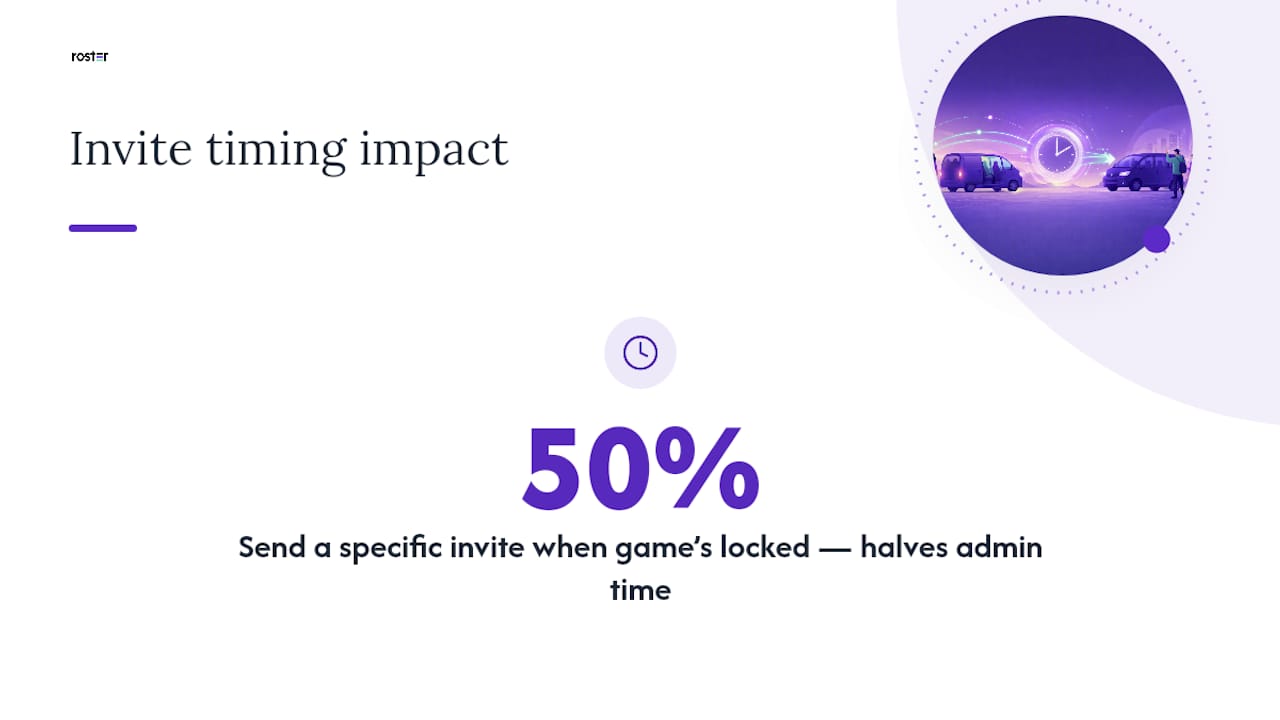
The organizers who spend the least time on logistics all share one habit: they send the invite the moment the game is locked in, not the day before. A vague "anyone free Thursday?" text invites chaos. A specific invite with time, location, and a clear cutoff gets faster, cleaner responses, whether you're using a spreadsheet, a chat thread, or an app.
None of this is really about software. It's about getting back to playing instead of managing a group chat. The tool just decides how much of your week that takes.
— Daniel
Ready To Stop Managing And Start Playing?
If you've made it this far, you already know where your spreadsheet is costing you time: chasing RSVPs, manually filling a waitlist, or hunting down a Venmo payment that never came through. Roster Sports fixes exactly that. Set your game details once, share one link, and the app fills your roster, promotes waitlisted players automatically, and tracks who's paid, all from your phone.

Getting started takes less time than writing out your usual group chat message. Create your first game on the Roster Sports app, set your roster size and pricing if you're collecting fees, and send the link to your usual crew. You'll know within one game day whether it saves you the hour you used to spend on admin. Check out the full feature overview if you want to see how alternates, reminders, and payment tracking work together before your next season starts.
Sources
- Basketball, Volleyball & Soccer: Organize Weekly Games Without WhatsApp Chaos | Who's In
- How to Build a League Schedule Without Spreadsheets | SportNinja
- 7 signs your amateur league has outgrown Excel | FLM System