
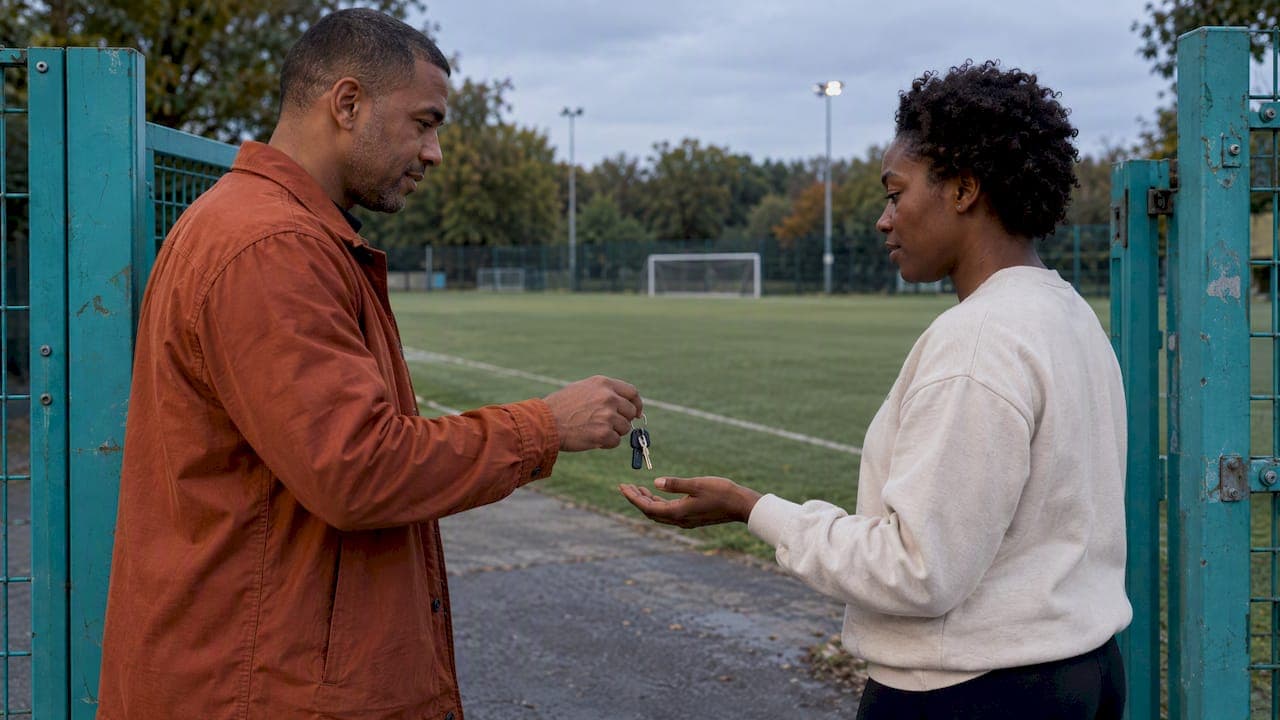
A backup organizer plan is a short, written answer to one question: if the person who runs your game can't, who does, and what do they need in hand? For an adult pickup game, that means naming one backup, giving them access to the roster and contacts, agreeing on who can cancel the game, and deciding in advance how players get told. You can set it up in an evening, and it only gets used on the day something goes wrong.
TL;DR
- Name one backup organizer, not a committee, and give them the same access you have.
- Hand over four things: roster, schedule and field details, contact list, and the cancel-or-play rules.
- Decide who makes the weather or safety call before game day, and write down the thresholds.
- Keep the waitlist and dropout rules in the same place as the roster so the backup doesn't have to improvise.
- Tell players one channel will carry changes, and test that handoff once before you need it.
Table of Contents
- Why pickup games need a backup organizer
- Choose the right backup
- What the backup organizer needs in hand
- Write the cancel-or-play rules down
- Handle dropouts, open spots and the waitlist
- Tell players what changed
- Make the plan easy to follow
- Our perspective
- Run your backup plan from one link
- FAQ
- Sources
Why pickup games need a backup organizer
Most adult pickup games depend on a single person. That person books the field, chases the RSVPs, sends the reminders and decides whether the game is on. When they get sick, travel for work or simply forget, the game doesn't fail slowly. It fails at 6:45 p.m. with twelve people standing around a field and nobody sure who has the key to the lights.
The fix isn't complicated, but it does need to exist before the problem. Event guidance from the Western Australian government recommends an event plan that covers personnel, task responsibilities, contingencies, a run sheet and a contact list. It was written for much bigger events, but the logic scales down to a Tuesday night soccer game: write down who does what, and what happens if they aren't there.
Choose the right backup
Pick someone for reliability, not enthusiasm. The best backup is usually a regular who shows up early, answers messages quickly and already knows most of the group. A few checks help:
- They attend most weeks. A backup who is absent often is no backup at all.
- They're reachable. Look for someone who replies to texts within the hour on a game day.
- They're trusted by the group. If players would ignore their "game's off" message, the plan fails at the first test.
- They're not you in disguise. If your closest friend lives with you and travels with you, they'll be unavailable at the same time you are.
Ask directly and describe the job honestly: "I'd like you to be my backup for the season. It means maybe three or four times a year you'd send a message or make a call. Here's what you'd need." Most people say yes when the commitment is small and clear.
One backup is the right number for most groups. For larger groups or multi-night leagues, name a second backup for the second person's absence, but keep a clear order: first backup, then second backup. Ambiguity is what you're trying to remove.
Name one decision-maker for each call
Backups get stuck when two people share a decision and neither wants to make it. USA Ultimate's 2026 guidelines handle this cleanly: final implementation decisions go to the on-site Competition Manager, in consultation with the local tournament director. Borrow the idea. In your plan, write one line: "If I'm out, [name] decides whether the game is on." Then add a second line for who decides if both of you are unreachable, even if that's just "whoever arrives first."
What the backup organizer needs in hand
A backup who has to ask you for everything isn't a backup. Put the following in one place, whether that's a shared note, a pinned message or your game app, and confirm the backup can open it from their own phone.
The roster and RSVP status
The backup needs to see who is in, who is out, who is on the alternate list and who has dropped. If your signups live in your head or in a 200-message group chat, this is the first thing to fix. A single signup link that shows live spots makes handoff almost automatic, because the backup simply opens the same link you do.
Schedule, location and access details
List the date and time, exact field or court, parking notes, who holds any gate code or key, and the backup venue if you have one. The City of London's community events toolkit suggests building a timeline with deadlines, a schedule that includes setup and breakdown, and a contact sheet. For a pickup game, "setup and breakdown" can be as plain as who brings the ball bag, the pinnies and the first aid kit, and who locks up.
If you're planning a larger one-off, such as a season opener or a charity day, a tournament planning checklist shows how an eight-week timeline breaks into tasks someone else can pick up midstream.
Contacts, including emergencies
The backup needs phone numbers for the field owner or permit office, for any regular who holds equipment, and for the players themselves. They should also know who to call if someone is hurt. We've written a one-page emergency contacts setup for pickup organizers that covers what to put on it.
Money, if you collect any
If players pay for the field, a league fee or a ball fund, say who is holding the money and who the backup should pay or reimburse. Keep this to a sentence or two. Unclear money is where small groups quietly lose goodwill.
Write the cancel-or-play rules down
The hardest decision a backup faces is whether to call off a game. If you don't give them rules, they'll either cancel too early to be safe or play when they shouldn't. Agree on thresholds ahead of time.
Weather and air quality
Use recognized guidance rather than a gut feeling. USA Ultimate's 2026 guidelines say play is canceled and rescheduled at a WBGT of 90.0 or higher, and outdoor play is canceled at an AQI of 200 or higher, with the option to move indoors or reschedule. Those are rules for sanctioned events, not law for your Thursday game, but they're a defensible starting point for your own cutoffs. A pickup group might decide: "If the AQI in our zip code is 200 or above at 4 p.m., the game is off."
For thunderstorms, the commonly used 30/30 rule says to suspend play when the gap between lightning and thunder is 30 seconds or less, and to wait before resuming. Put your version in the plan so the backup isn't arguing with eager players on the sideline.
Rain is its own category, since light rain is playable and a flooded pitch isn't. Our rain backup playbook for adult pickup sports goes through indoor options and decision times.
Minimum numbers and decision times
Write two numbers: the minimum players needed for the game to go ahead, and the time by which the call gets made. For example: "Eight players confirmed by 5 p.m., otherwise we cancel and message everyone by 5:15." A deadline stops a backup from waiting hopefully until the last minute.
A simple cancel-or-play table
| Situation | Who decides | When | What happens |
|---|---|---|---|
| Weather or air quality over your limit | Organizer, or backup if organizer is out | By a set time before kickoff | Cancel, or move to the backup venue |
| Fewer than minimum players | Whoever is running the roster | Set cutoff, such as 90 minutes before | Open spots to alternates, then cancel if still short |
| Field unavailable | Whoever holds the permit contact | As soon as known | Move to backup field or reschedule |
| Injury at the game | Whoever is on site | Immediately | Call emergency services, then tell the group |
Adjust the cutoffs to your sport and your group. The point is that every row has a name and a time.
Handle dropouts, open spots and the waitlist
Dropouts are the most common thing a backup will deal with, far more than cancellations. If the rules live in your head, the backup will reinvent them and players will notice.
Set these rules in writing:
- Who gets the open spot first. Usually the alternate who's been waiting longest.
- How long they have to say yes. Thirty minutes on a game day is common; shorter works if the game is close.
- What late dropouts owe. Some groups ask players to find their own replacement inside a few hours of kickoff; others just ask for a message.
- What happens when the list is full. New signups go to the waitlist, not into the game by exception.
Even in ticketing, the same trap exists. Eventbrite's help center explains that a waitlist applies when registrations or pending orders are taking up capacity and warns organizers to avoid overselling when they release spots by hand. In a pickup game, "overselling" looks like promising a spot to two people and having fourteen show up for a 5-v-5 night. Manual juggling is where those errors creep in, which is why automatic waitlist handling helps a backup who hasn't run the game before.
For the reasons players drop and how to cut them, see our guide on reducing no-shows in pickup games.
Tell players what changed
A plan is only as good as the message that carries it. Settle three things before game day.
One channel. Decide where changes will be announced and say so at the start of the season. If you use a group chat for banter, don't also use it as the only place for cancellations, because the announcement will be buried under memes.
A template. Write the cancellation message once so the backup can paste it: "Tonight's game at Riverside Field is canceled because of [reason]. We'll post a makeup date by [day]. Your spot carries over." Short, clear and specific beats clever.
A handoff message. When the backup takes over, they say so once: "I'm running tonight's game because [name] is out. Same link, same rules." It prevents the second-guessing that follows a surprise.
If a game changes, send the update as soon as the decision is made, not at the next convenient moment. Players can rearrange their evenings if they know early, and they'll forgive a cancellation far more readily than a late one.

Make the plan easy to follow
A plan nobody reads is a plan nobody follows. Keep it to one page, in plain words, in a place your backup already looks. A good test: could your backup run the game with the page open and no phone call to you?
A few habits keep it alive:
- Brief the backup once a season. Ten minutes, walking through the page. The Western Australian guide also recommends staff briefings and a post-event evaluation, and both are worth borrowing in miniature.
- Do a dry run. Have the backup send one real reminder or run one signup week while you watch.
- Review after any handoff. If the backup stepped in, ask what was missing from the page and add it.
- Rotate the role. Letting regulars take a turn spreads the load and makes the group more resilient. It also makes it easier to find your next organizer.
Seasonal planning helps here too. If you're scheduling around holidays, see how to lock your schedule 60 days out, because holiday weeks are when your primary organizer is most likely to be away.
Our perspective
We built Roster around a simple observation: most pickup games don't die from lack of players. They die from the organizer getting tired. The person who chases RSVPs in a group chat, tallies replies by hand and fills dropped spots with direct messages is doing unpaid operations work every week, and eventually something gives.

That's why we think the backup organizer plan matters more than people expect. The strongest protection isn't a better reminder. It's making the game not live in one person's head. When the roster, the waitlist and the game details sit behind a single shared link, a backup organizer can step in without a handoff meeting, because they see exactly what the primary sees. When signups, open spots and alternates are tracked in the same place, nobody has to reconstruct who was in from scrolled-up messages.
Our advice: write the one-page plan, pick one backup, and spend your effort on making the game easy to run instead of heroic to run. A game that survives its organizer being away for a week is a game that lasts for years.
— Daniel
Run your backup plan from one link
If your roster is currently spread across texts, spreadsheets and memory, a backup organizer will struggle however good the plan is. Roster is a mobile app for adult pickup organizers: you set the game details, share one link, and players sign up while the app tracks open spots, alternates and the waitlist in real time. It also includes group chat and Venmo payment tracking between players and managers, so a backup has what they need in one place. You can see how it works or get the app.
If you run several nights or sports, our guides on multi-team scheduling and hosting a multi-sport night show how to keep each game covered.
FAQ
What should a backup organizer plan include?
It should name the backup, list what they need (roster, schedule and location, contacts, payment notes), and state who decides to cancel and by what time. Add your weather limits, your minimum player count and your dropout and waitlist rules. One page is enough.
How many backup organizers do I need?
One is enough for most pickup groups, as long as that person is reliable and has the same access you do. If you run several games or a large league, add a second backup with a clear order so nobody wonders who is next.
What's another phrase for a backup plan?
Common alternatives are contingency plan, fallback plan, Plan B and emergency plan. For a game, "contingency plan" is the term you'll see in event planning guidance, and "backup organizer" or "co-organizer" describes the person who carries it out.
How should I tell players a game is canceled?
Use the one channel you agreed on at the start of the season, send the message as soon as the decision is made, and say the reason and what happens next. A pre-written template lets your backup send it in under a minute.
Sources
- Heat and Air Quality Guidelines for USA Ultimate Events (2026)
- Event Management Guide (2020)
- Community Events Toolkit, City of London
- Eventbrite Help Center: waitlist guidance
- Lightning Safety 101: the 30/30 rule